
Obsidian has over 2000 plugins. Not one of them lets you grab a bullet point and drag it. Google Keep figured this out in 2013. So I spent a weekend fixing it, and live preview tried its very best to end me.
Here’s the idea. Put a drag handle on every list item. Grab something, move it, drop. Pretty much every kanban tool already does this. I kept reaching for it in my markdown notes so I built it in.
Step 1
The first step was some standard plugin setup.
- Clone the
obsidian-sample-pluginboilerplate - Rename everything, rip out the demo code, and add an enable/disable setting
- Symlink the dev folder into a test vault’s plugins directory and now every save updates the code
- Now run
npm run dev, flip the toggle, and we’re live
Step 2
Now we’ve got the basics setup, I hit my first problem. How do I know where the list items are in the DOM? Obsidian renders markdown into HTML, so I hooked into that post-processor and stamped a data attribute on every list element so I can tell tasks apart from ordered and bullet list items.
Second problem. Knowing where the items live isn’t enough on its own. I also need the groupings.
So I wrote a parser that walks the indentation and bundles items into groups. I threw a temporary debug overlay on top so I could see what was being detected.
Bringing it together
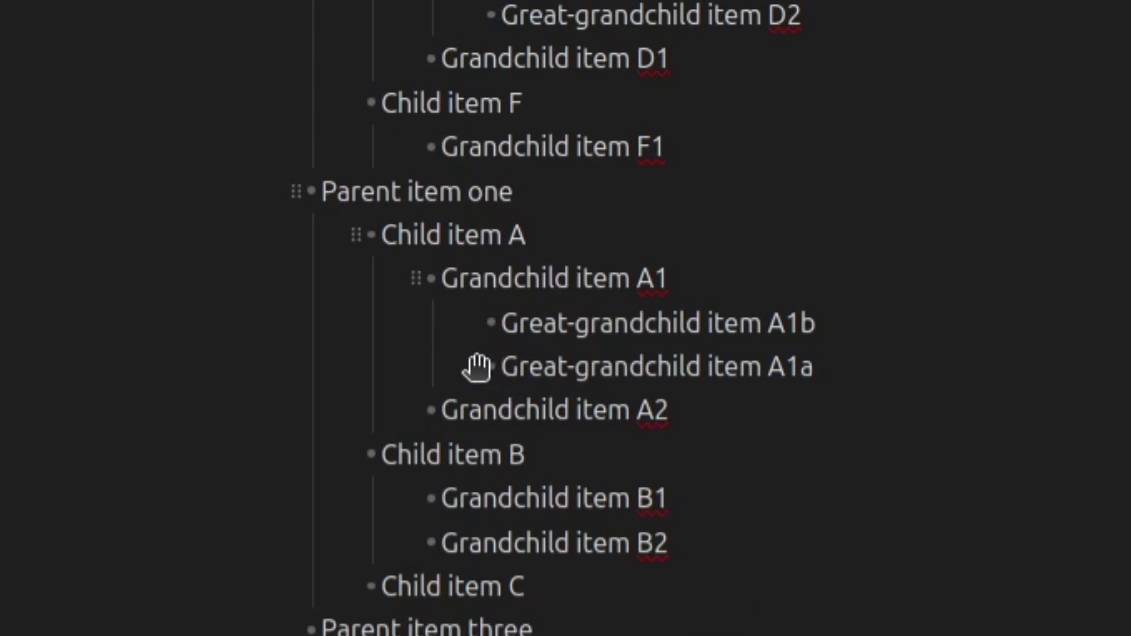
Now onto the satisfying bit. Got the drag handles, the interactions and that little drop line in and reading view worked basically first try.
Then I gave live preview a go. Different planet. Same base markdown obviously, but a totally different render path. None of my code worked.
The flat lists were fine. The nested ones were rough. Task lists were worse.
So I spent another evening on it. Got the handles sitting right for nested task lists. Hid the collapse chevron which was overlapping my handle, and put collapse on right-click instead. No lost functionality, though. I’ll add a hint in settings so people can actually find it. Also, moved that handle to the start of the text instead of the start of the line, which felt more natural to me. And finally hovering a child item now reveals the parent handles too, so you always know what you’re grabbing.
The first release
Then it came to the first release. Not too hard. Tagged the commit, drafted a release on GitHub with the build files attached, and that’s the plugin out in the world. If you want to try it before it lands in community plugins, you can install it manually.
- Download
main.js,manifest.jsonandstyles.cssfrom the release page - Make a new folder inside your vault’s
.obsidian/plugins/directory - Drop the three files in
- Restart Obsidian
- Enable the plugin under Community plugins in settings
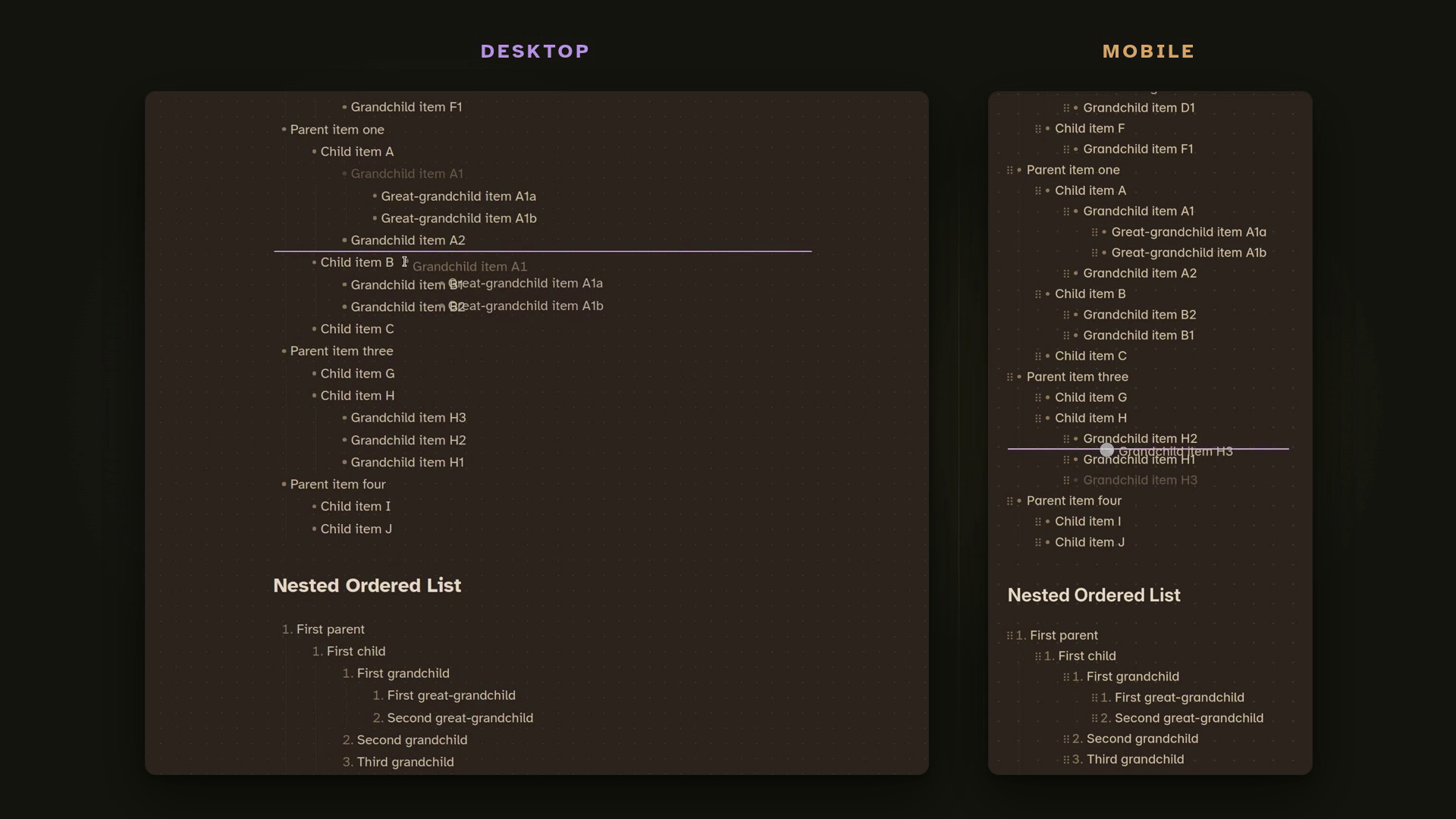
That’s where I am. Took a weekend, lost an evening to live preview, and now I get to grab any list item in any of my notes and move it. I’d say it’s worth it.
If you end up using it, the bugs you find are the bugs I haven’t hit yet, so drop them on the GitHub issues page and I’ll work through them. Same with feature requests, especially anything around drag behaviour, since I know there’s more to do there.
Next devlog drops once the plugin clears community plugin review. I’ll be walking through the final feature set as well as the process of and time taken getting the plugin included officially!
Follow if you want part two in your feed instead of the algorithm losing me to history. That’s all I have for today so have a great day and see you in the next one!