
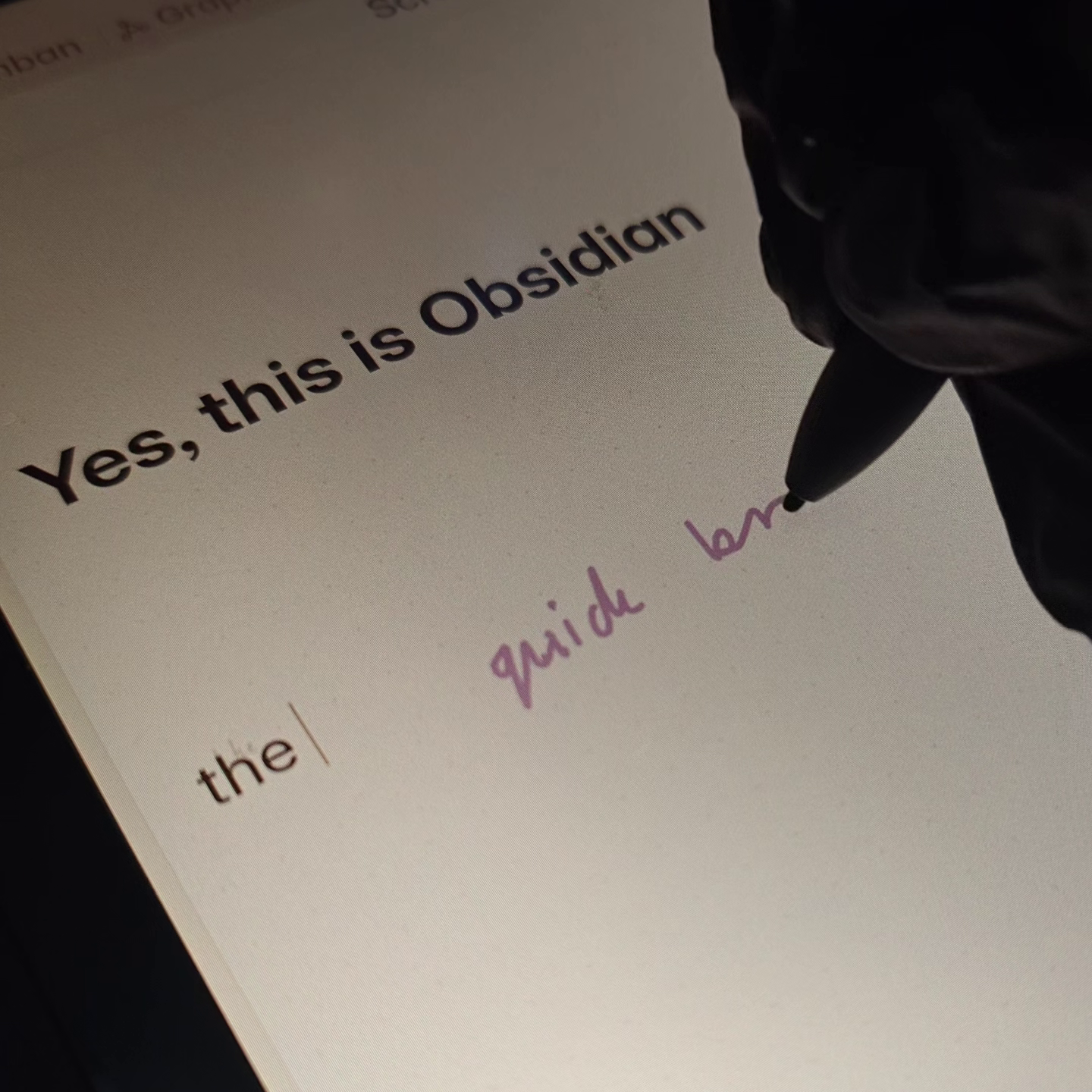
Picture this. You’re on your tablet, scribbling notes into Obsidian by hand. The text appears as you write, right at your cursor. No waiting, no cloud. Later at your desk you spot a misread, hover over the text, and the original strokes pop up so you can fix it. And every correction you make, feeds back into the model, making it better for everyone using it. The dataset, the weights, the training code, the plugin itself. All open. Anyone free to build on it.
That’s the new plugin I’m building.
What the Plugin Does
The plugin treats handwriting as a primary input method for Obsidian. You write on your tablet with a stylus and the on-device model converts your strokes to text and inserts it wherever your cursor is. Everything runs locally. No cloud, no server, works completely offline.
The original strokes on mobile are saved alongside the text so they can be visualised later. On desktop you can review any conversion and adjust misreads against the original strokes. The end goal is a seamless cross-device workflow, where you can write freely on your tablet and polish at anytime on your desktop.
Why I’m Starting From Scratch
I’ve already prototyped this and tested it extensively and it does already work! Even on my underpowered Android tablet, the model converts handwriting to text in real time with solid accuracy.
But I am rebuilding it from scratch. I want to document every step so others can follow along and learn from the process. And I need a clean, modular codebase that is actually open-sourceable. The prototype was exploratory code. Functional. But I want to hand this to the community properly.
Why Open Source Matters
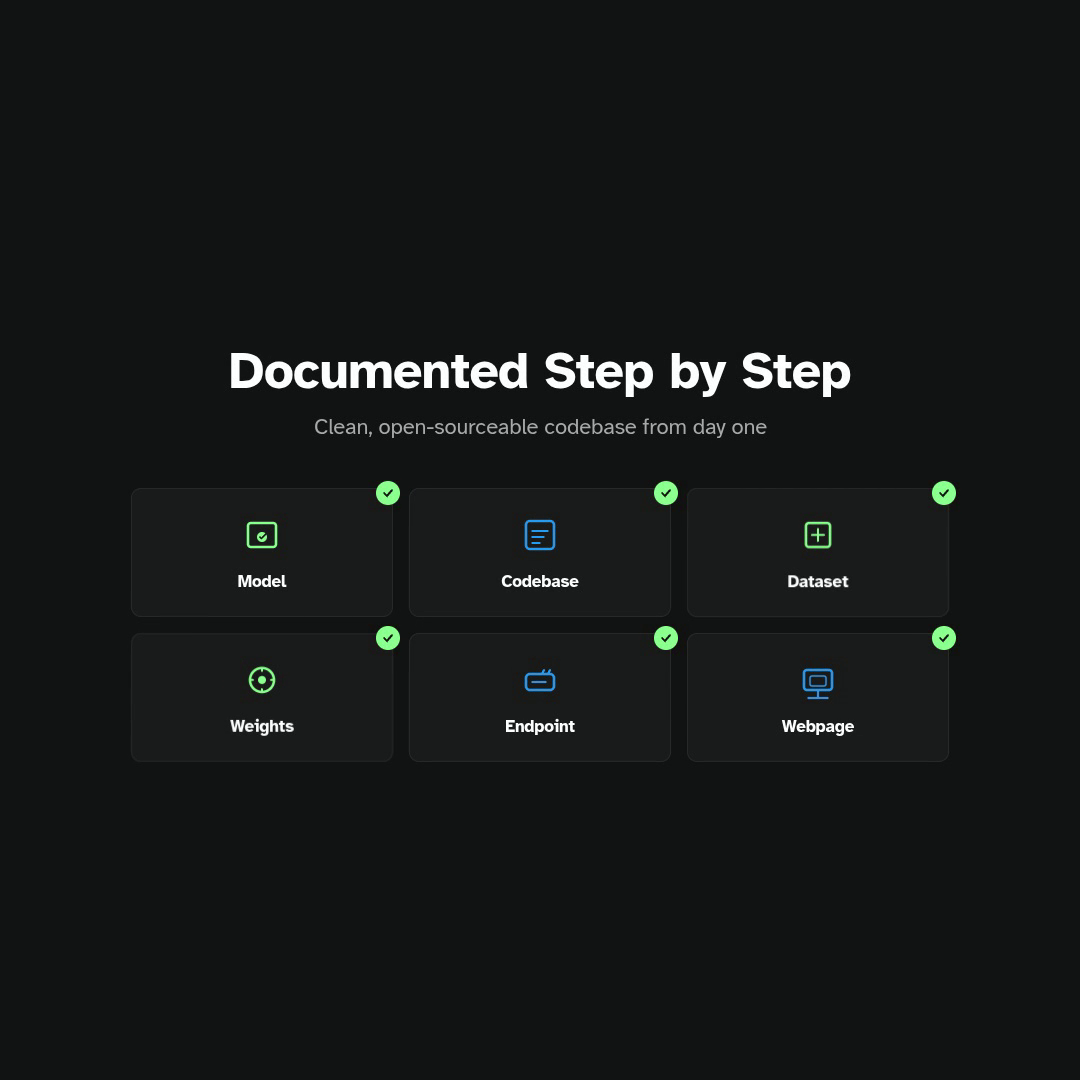
Every piece of this project will be open:
- The model training codebase. The full pipeline for cleaning data and training the conformer model.
- The dataset. Cleaned and formatted for anyone to use.
- The model weights. Ready to drop into any application.
- The Obsidian plugin itself. The full source code.
On top of that, I am building an open endpoint for submitting labelled stroke data, paired with an open web interface for classifying that data. Users who opt in can contribute their corrections, and the model gets better for everyone. And because everything is open, if someone wants to build their own handwriting tool for Obsidian, for another app, or for a completely different use case, they are free to use any part of this stack. Nothing is locked in.
What the Prototype Can Do Right Now
Even in its rough state, the prototype already handles a few things:
- Converts handwriting to text in real time on device
- Lets you tap on the canvas to move the cursor
- Scribble over text to delete it
- Draw a specific shape to insert a newline
I am planning to add more gestures as development continues. If you’re curious about what the prototype feels like, I have made the early access build available on my Patreon for the next two weeks. It’s too rough for an official release for now, but you can get a real feel for the workflow.
The Plan
Step 1: Clean the Data
The model needs diverse, high-quality training data. I am combining four major handwriting datasets:
- IAM-OnDB. 12,186 text lines with real per-point timestamps from a digitizer.
- IAMonDo. 24,271 samples with mixed content and real timestamps.
- BRUSH. 32,871 short text lines from 170 writers.
- UNIPEN categories 6 and 7. 109,332 single words from roughly 2,200 writers.
That is 178,660 samples from roughly 2,800 writers in total. The challenge is that these datasets all use different coordinate conventions, different timestamp formats, and different storage formats. So I need to build converters for all of them and run a thorough cleanup pass to verify the combined dataset is consistent.
.png)
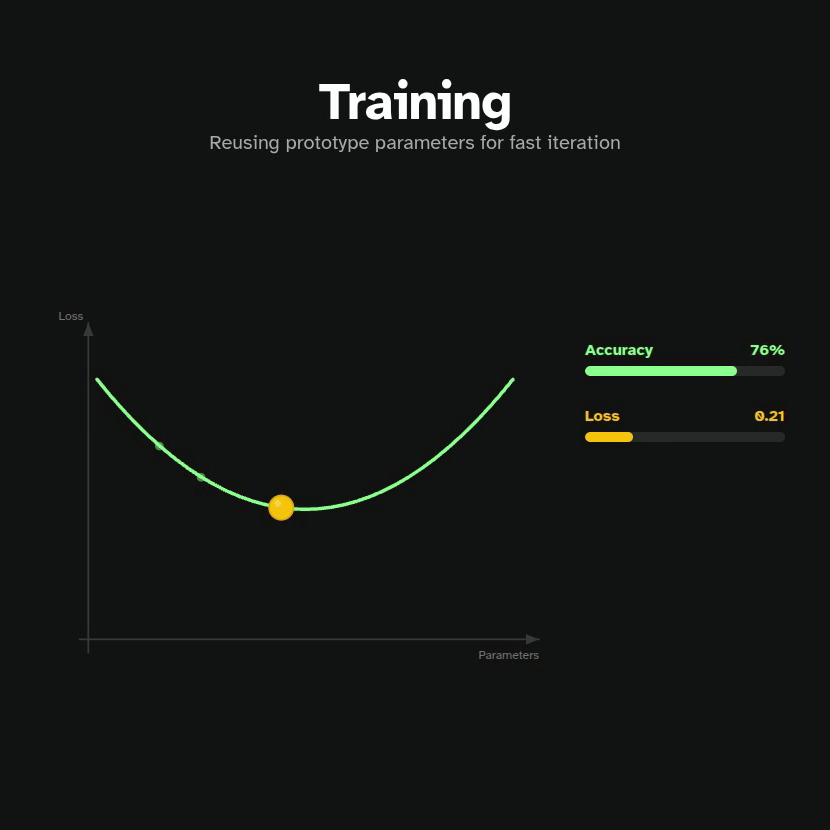
Step 2: Train the Conformer Model
The model architecture is a Conformer. It combines convolutional and transformer layers, which makes it well-suited to sequence recognition. The key insight (based on Google’s work on handwriting recognition) is that fitting Bezier curves to raw strokes compresses the input by about 11x while preserving the important shape information. The model does not need to see every individual point. It just needs the curve parameters and timing information.
Step 3: Build the Plugin
The trained model gets exported to ONNX format and runs in Obsidian’s mobile WebView via onnxruntime-web. The TypeScript preprocessor takes raw stylus coordinates, negates y to match training convention, fits Bezier curves, and feeds 8-channel features into the model. The decoder uses CTC beam search with a 50K-word English dictionary to improve accuracy.
There are a lot of UI and UX decisions to get right here. The writing surface needs to feel natural. What happens when Obsidian’s own touch gestures compete with stylus input? I have some ideas about using the pen button to switch between writing mode and pointer mode so you are not constantly toggling settings.
Then there’s the correction workflow. Strokes are saved alongside the detected text so on desktop you can hover over a word, see what you actually wrote, and tap to retry or edit the text directly. That visualisation of original strokes overlaid on the text needs to be intuitive without getting in the way.
Gesture design is another layer. The prototype already handles scribble-to-delete and a shape for newline, but there is room for more. Each one needs to feel discoverable and not require a manual to use.
Every decision here, from the canvas rendering to the gesture recognition to the correction visualisation, ships as open source once it’s ready.
Step 4: Data Collection Infrastructure
Once the plugin is solid, I am adding the opt-in data collection flow. An endpoint for submitting stroke data. An open web interface for classifying it. There’s still a lot of unknowns here, but that’s fine because it’s not strictly necessary for v1.
Step 5: Open Source Everything and Ship
The final step is releasing the model training codebase, publishing the dataset, and submitting the plugin to Obsidian’s community plugins directory.
What’s Next
This devlog series will follow the whole journey. The next episode dives into the conformer model. How Bezier curve encoding works, what makes a good training dataset, and what the first training results look like.
I am also looking for a proper name for the plugin so drop your suggestions in the comments or join the Discord to follow along more closely.